Developer Resources
Guides, samples, and resources for developers building with the Arcturus Vision Camera.
Looking for something else? Our developer page is new and evolving. Let us know what you think is missing.
For accessory makers
NewCamera exterior reference
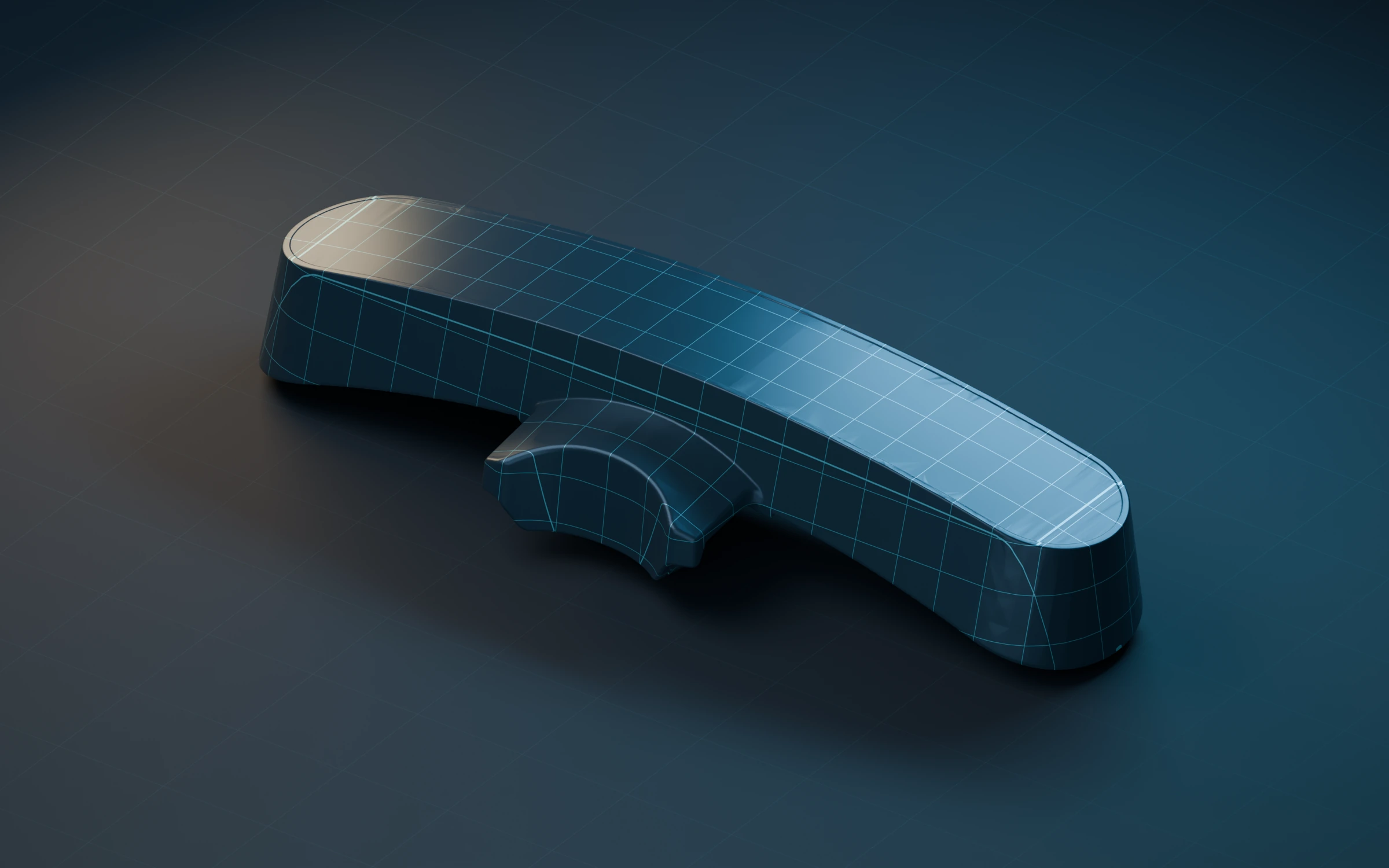
A starting point for designing exterior cases and accessories for the camera mounted on top of Steam Frame. Download the same simplified exterior mesh in STL or Blender format.
Approximate dimensions
79.987 × 25.703 × 14.114 mm
Using Passthrough In Your Game
Looking for camera data access?
A direct camera access API is not yet available. We’re taking developer inquiries about your use case. Contact support about direct access or join our Discord
Local VR only. At this time, passthrough blending works with apps running on Steam Frame, not PC apps using Streamed VR.
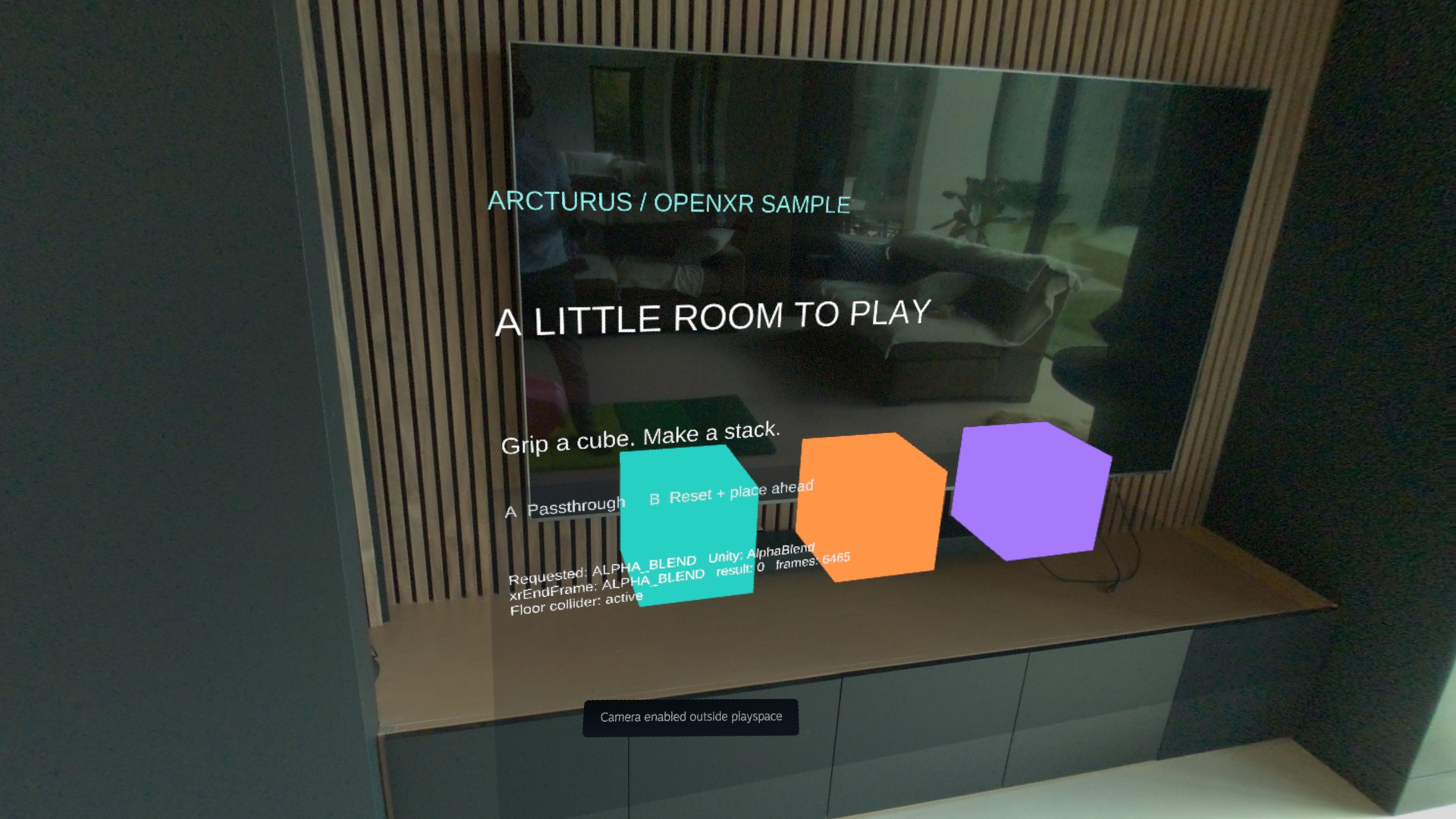
For Unity games, use the Unity OpenXR plug-in with the environment-blend feature below. For Unreal Engine, follow our Android ARM64 tutorial for Steam Frame through Lepton. Custom engines and native applications can use OpenXR directly. All three routes use the same core environment blend mode.
01Enable Unity OpenXR
Configure the Unity project for Steam Frame by following Valve’s Unity integration guide.
02Preserve output alpha
Set the Camera component to clear to transparent black, remove any skybox or opaque background, and ensure rendering effects preserve alpha through to the compositor.
03Request alpha blending
Add EnvironmentBlendFeature.cs below and enable “Arcturus: Environment Blend” in the Android OpenXR feature settings. The feature applies the required blend mode when the OpenXR session starts.
EnvironmentBlendFeature.cs
using UnityEngine;
using UnityEngine.XR.OpenXR.Features;
using UnityEngine.XR.OpenXR.NativeTypes;
#if UNITY_EDITOR
using UnityEditor;
using UnityEditor.XR.OpenXR.Features;
#endif

namespace Arcturus.Passthrough
{
    // Reusable part of the sample. No camera textures or vendor passthrough extension.
#if UNITY_EDITOR
    [UnityEditor.XR.OpenXR.Features.OpenXRFeature(UiName = "Arcturus: Environment Blend",
        Desc = "Request core OpenXR alpha blending for compositor passthrough.",
        Company = "Arcturus", Version = "0.1.0",
        FeatureId = "vision.arcturus.sample.environment-blend",
        BuildTargetGroups = new[] { BuildTargetGroup.Android, BuildTargetGroup.Standalone })]
#endif
    public sealed class EnvironmentBlendFeature : OpenXRFeature
    {
        public bool SessionRunning { get; private set; }
        public bool PassthroughRequested { get; private set; } = true;
        public XrEnvironmentBlendMode ReportedMode => GetEnvironmentBlendMode();

        protected override void OnSessionBegin(ulong session)
        {
            SessionRunning = true;
            Apply();
        }

        protected override void OnSessionEnd(ulong session) => SessionRunning = false;
        protected override void OnSessionDestroy(ulong session) => SessionRunning = false;
        protected override void OnInstanceDestroy(ulong instance) => SessionRunning = false;

        public void RequestPassthrough(bool enabled)
        {
            PassthroughRequested = enabled;
            if (SessionRunning) Apply();
        }

        void Apply()
        {
            var mode = PassthroughRequested ? XrEnvironmentBlendMode.AlphaBlend : XrEnvironmentBlendMode.Opaque;
            SetEnvironmentBlendMode(mode);
            // The native plugin applies this asynchronously. Read the reported mode later.
            Debug.Log($"[Passthrough] Requested {mode}; waiting for native submission.");
        }
    }
}
Switch modes from your game
Call RequestPassthrough to switch between passthrough blending and the default opaque composition mode.
using Arcturus.Passthrough;
using UnityEngine.XR.OpenXR;

var feature = OpenXRSettings.Instance
    .GetFeature<EnvironmentBlendFeature>();
feature.RequestPassthrough(true);
UNITY OPENXR SAMPLE
Building a simple passthrough game in Unity
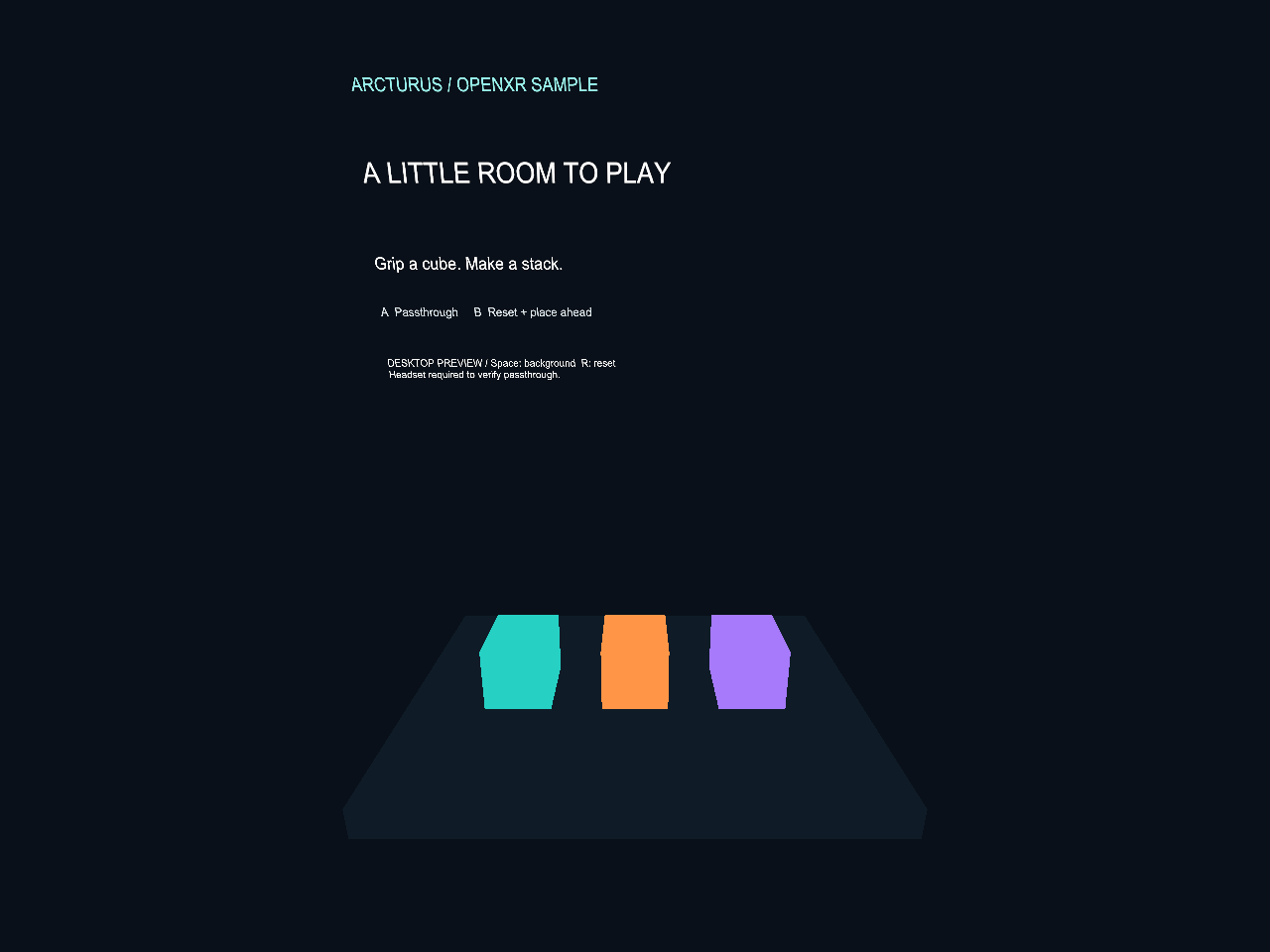
A small, original Unity project you can open, modify, and use as an integration reference. Grab three cubes, stack them on a translucent counter, or drop them onto an invisible floor.
September 14, 2026 · Development build
Original sample code: MIT. Unity and Valve dependencies retain their own licenses. Download checksums
Reference docs
Set up Unreal Engine 5.8.3, Binned2, Vulkan, alpha blending, and deployment through Lepton.
Read the Unreal Engine tutorialNative ARM64 (without Lepton)? Let us know if you’d like instructions!
01Request an alpha-compatible swapchain
Choose a swapchain format with an alpha channel from the formats returned by xrEnumerateSwapchainFormats.
02Use the alpha blend mode
To request passthrough blending, set the environmentBlendMode field of XrFrameEndInfo to XR_ENVIRONMENT_BLEND_MODE_ALPHA_BLEND before passing it to xrEndFrame.
Note that xrEnumerateEnvironmentBlendModes can be used to check whether the runtime supports this blend mode.
03Alpha premultiplication
If your application does not use premultiplied alpha, set XR_COMPOSITION_LAYER_UNPREMULTIPLIED_ALPHA_BIT in each submitted XrCompositionLayerBaseHeader flags field so the runtime blends your content with the passthrough view correctly.
NATIVE OPENXR SAMPLE
Native OpenXR sample
A minimal C++ and Vulkan sample that alpha-blends a cube with the passthrough view. Deploy it to your headset, then build and run it directly on the device.
Original sample code: MIT. OpenXR dependencies retain their own licenses. Download checksums